Native on your Mac
A Swift app with keyboard, mouse, joystick controls, and Paula audio. Open your ROM and disk images from the Machine menu.
 MacMiga
An Amiga 500 emulator written in Swift. Bring your own ROMs and disks, and explore a classic computer in a native macOS app.
macOS 13+ · Apple silicon & Intel · Free & open source
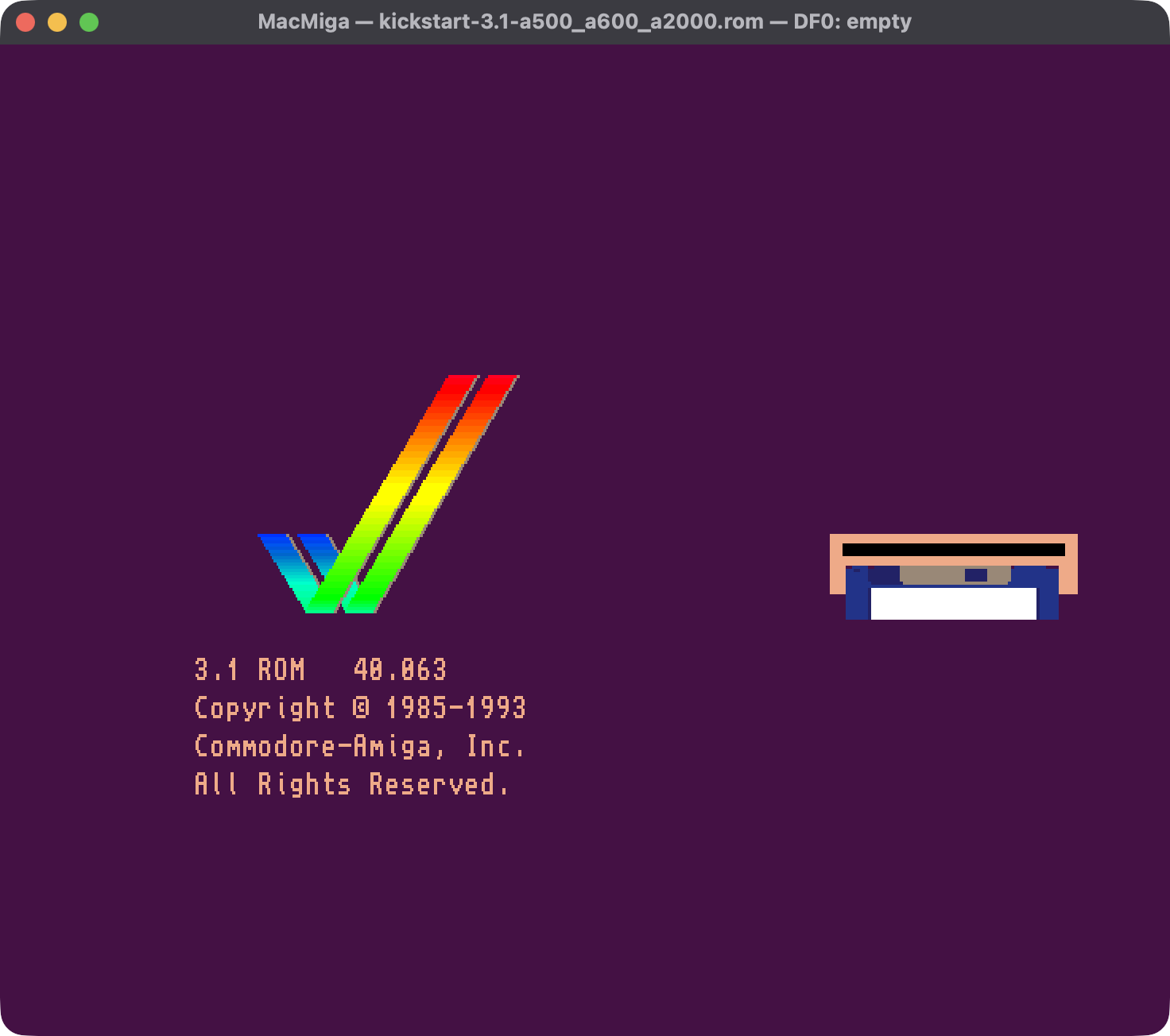
A Swift app with keyboard, mouse, joystick controls, and Paula audio. Open your ROM and disk images from the Machine menu.
Load ADF floppy images and HDF hard disks. Build a hard disk from a folder or LHA archive, with configurable Fast RAM.
Explore the emulator and its local 68000 core, build from source, or help improve compatibility. The project is actively evolving.
Compatibility is a work in progress. No Kickstart ROMs, operating systems, or games are bundled. Supply images you have the right to use.
Read the setup and compatibility guide →A native Swift Commodore 64 and Commodore 128 emulator for macOS. Two projects, one love of classic computers.